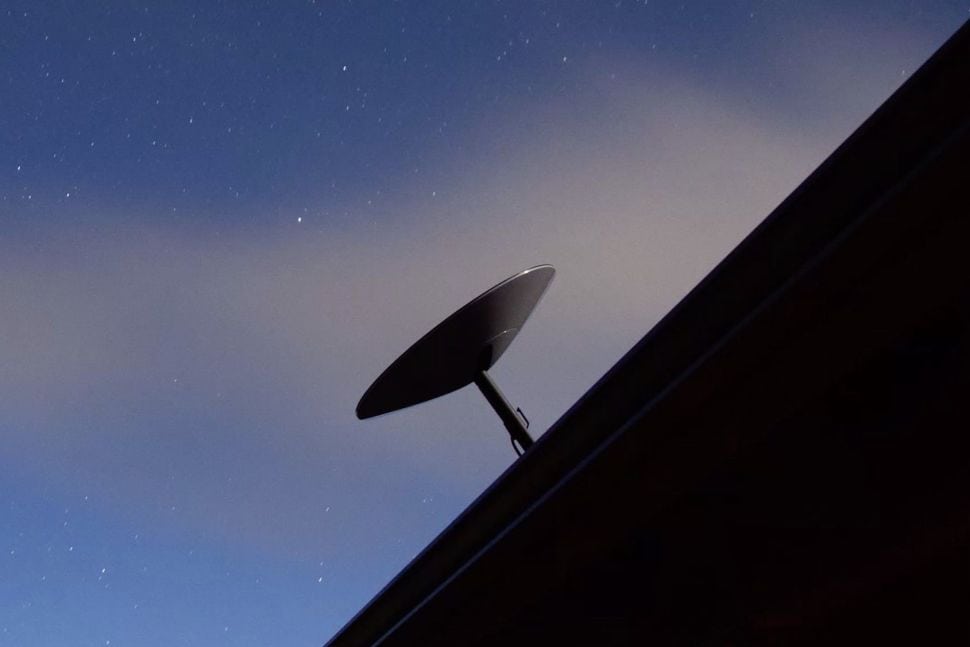
Starlink satellite service is a revolutionary product for many reasons, including in the marine world, but it is a bit confusing to navigate. There are limitations you should be aware of before investing in the technology. The most important things to note:
- Things change frequently, so expect to have to adapt
- Marine mounts and installations are more complex than most products
Quick! What Should I Buy?
If you're a recreational boater within sight of land most of the time, and never more than 10 miles offshore, you want the Roam Plan. Choose a size based on how much data you use (unlimited/300GB/100GB/50GB) and pair it with one of the three dishes below:
- Starlink Performance Generation 3 - best marine-quality dish with high performance, can run off of both DC and AC power. Most expensive and biggest,
- Starlink Standard Generation 3 - standard dish used by most Starlink users both on water and land.
- Starlink Mini - smallest of the dishes with an integrated (and pretty crappy) WiFi radio, DC powered with lots of adapters. Worst performer, but smallest and easiest to throw somewhere.
If you're traveling offshore, you have bigger challenges with the plans available, especially since the recent announcements around the Roam Plan and traveling internationally. You may need a Maritime Plan or to pay for Ocean Mode while offshore. The dish you choose may be affected by those plans as well.
What Have I Tested?
I've tested just about all of the plans and combinations you could think of. Here are a few of the ones I've spent a considerable amount of time with:
- Original v1 round dish using residential and roam plans
- Residential + portability with rectangular gen 3 dish
- RV/Roam plan with rectangular gen 3 dish
- Flat high-performance in-motion dish - multiple plans
- Business high performance dish - business plan
- Maritime dual dish high performance system - maritime plans
- Starlink Performance Kit / Performance v3
- Starlink Standard v3
- Starlink Mini
Which one you choose depends on the plan and overall requirements you have for performance and power. Read below for more details.
Choosing a Plan
Roam
Most recreational boaters end up using the Roam plan. This is the most popular plan and allows for in-motion use, has "unlimited" bandwidth, coastal coverage, international travel, and can be paused.
This plan can only be used in coastal cruising, which is generally within 12 miles of a shoreline. If you need to be on the open ocean, you can purchase blocks of data using an option called "Ocean Mode" for $2.00 per GB. This can get expensive very quickly, so be sure you know your data usage before turning this on.
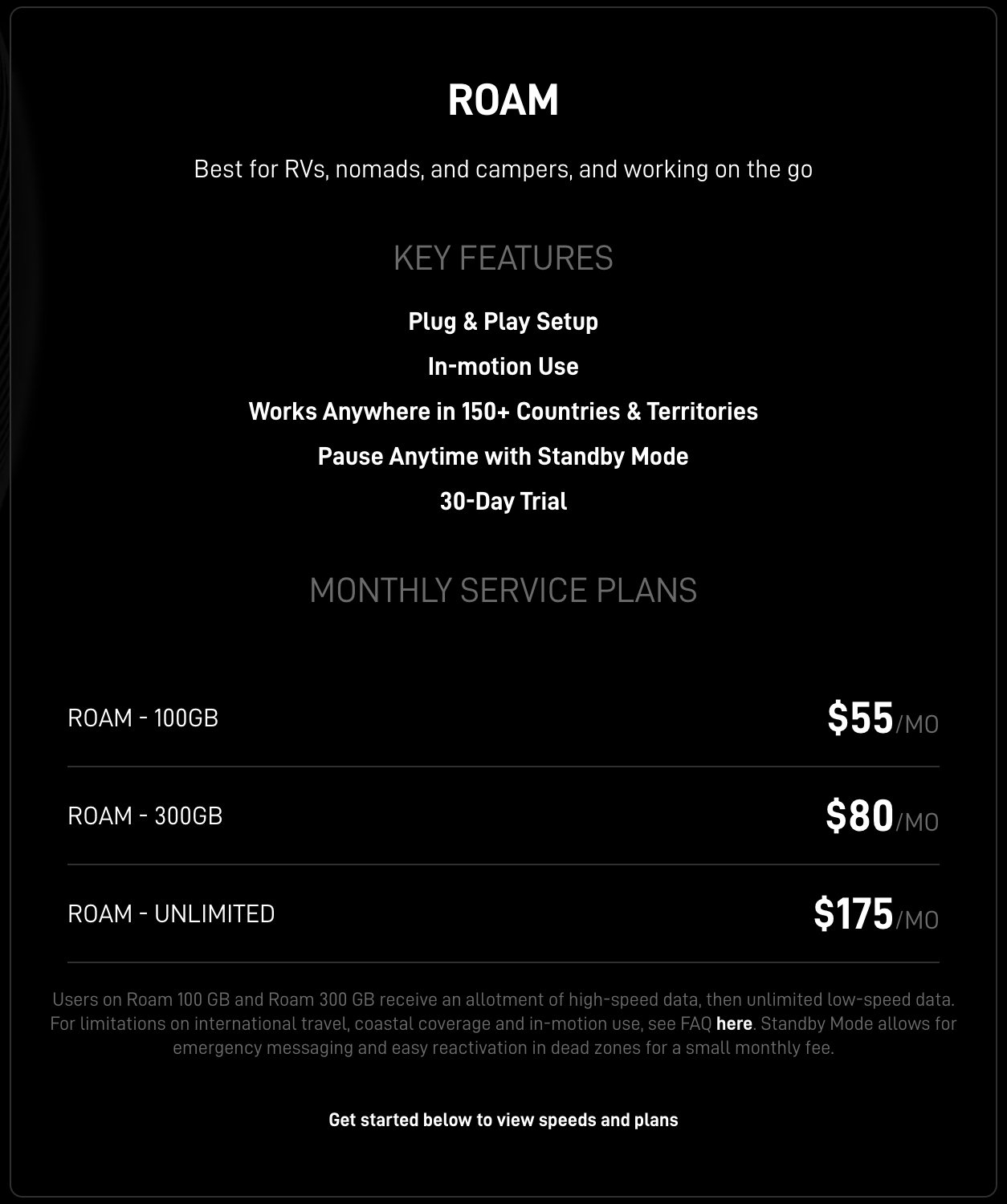
There are several other flavors of the Roam plan including 100GB and 300GB data amounts. However, these plans do not allow international travel as of July 2026 and you cannot use Ocean Mode with them.
Plans to Avoid
Residential - in the long ago past, you could use Residential with an option called "Portability", but those grandfathered plans are gone. Both of these plans are meant for fixed locations and do not support in-motion use. Some folks are still using Residential, and update their address every time they move, and don't use it underway. That is an option, but there are more steps involved to use it, and you could run into a location that is oversubscribed which would not allow you to change your address once you arrived.
Business & Maritime - business plans almost all assume you're at a fixed location as well, except the Maritime Plan. That is a very expensive Global Priority plan that starts at $250 for 50GB of data, and tops out at $2,150 a month for 2 terabytes. This is typically used on large yachts and ships and not recreational boats.
However, if you need global coverage with international travel, guaranteed high speed bandwidth (not rate limited like Roam plans can be in busy locations) then the Maritime Plan is likely your best option. It requires the Performance Generation 3 dish.
Choosing Hardware
There are a number of hardware options available at this time including:
Standard Generation 3 - this is the standard rectangular dish with a number of different mounting options. It is used both on land and on the water and has a ton of mounting options both from Starlink and 3rd parties. It is not marine grade, and comes with an AC-powered router/power supply that you will have to use aboard.
Mini - small dish with built in WiFi and DC power. This is the smallest of all of the dishes and has the worst performance. That doesn't mean it won't work for you. If you aren't in challenging areas with lots of other boats or terminals, or in valleys or deep fjords, the mini should work just fine. If you want faster speeds, choose one of the other dishes. The mini also has it's own WiFi radio built into it, but it is pretty poor performance-wise and won't reach throughout a larger boat. It also runs off of DC power and can be wired directly into your battery bank for ease of use, although a DC buck/boost device may be required to ensure it's getting the full voltage if the cable run is long.
Performance Generation 3 - the most marine-grade dish you can get, and it is the most expensive as well. I did a full deep dive that you can review that includes unboxing, power supply testing, and a 9 month update. It can run off of AC or DC power, or both at the same time for redundancy, and does not require that you use their WiFi router. It has waterproof and marine grade cabling and connections with a few options to mount it from Starlink, and more from 3rd parties. If you want the best and highest performance solution right now with a longer supported timeframe, this is the dish to get.
Challenges
The challenges are different depending on which dish you use based on the hardware, where most of the plan issues are the same regardless.
Roam Plan Performance
The biggest challenge with Starlink in general is performance of the Roam plan in busy areas. You can see examples of this in my article on Peplink + Starlink and why I recommend combining both cellular and Starlink, or even WiFi as WAN.
In many cases, I've had to resort to using cellular or other means when in populated areas, or places where there are a lot of Starlink users. Performance gets so bad that it is not even usable for basic access, let alone Zoom calls or streaming of any kind. Starlink is working on their network and managing traffic, but they've not gotten control of it quite yet.
Standard gen3 rectangular dish challenges
The high level problems with Starlink gen3 rectangular dishes include:
- Not marine grade - will likely eventually have issues as a result
- Radar interference - most modern broadband or digital radar will cause the dish to stop responding and go offline. A hard power cycle is required to get the dish working again. You can avoid this by putting the dish above/below the coverage area of your radar, but it complicates mounting locations
Performance Generation 3 dish challenges
This dish is the best marine-grade option available, but it still has some challenges. The wedge mount is super heavy and cumbersome to install, and the cable has big ends on both ends that cannot be field terminated. That means some rather big holes in decks and surfaces to route the cable, which is not optimal. Starlink has promised a field-replacement cable end for over a year now, and we've not seen it anywhere.
Need help with Starlink or internet in general? 🚤📡
📅 Book a free 30-minute call with me and get expert advice tailored to you!
Latest Articles
Big changes happened to the Roam Plan in July 2026:
 Steve Mitchell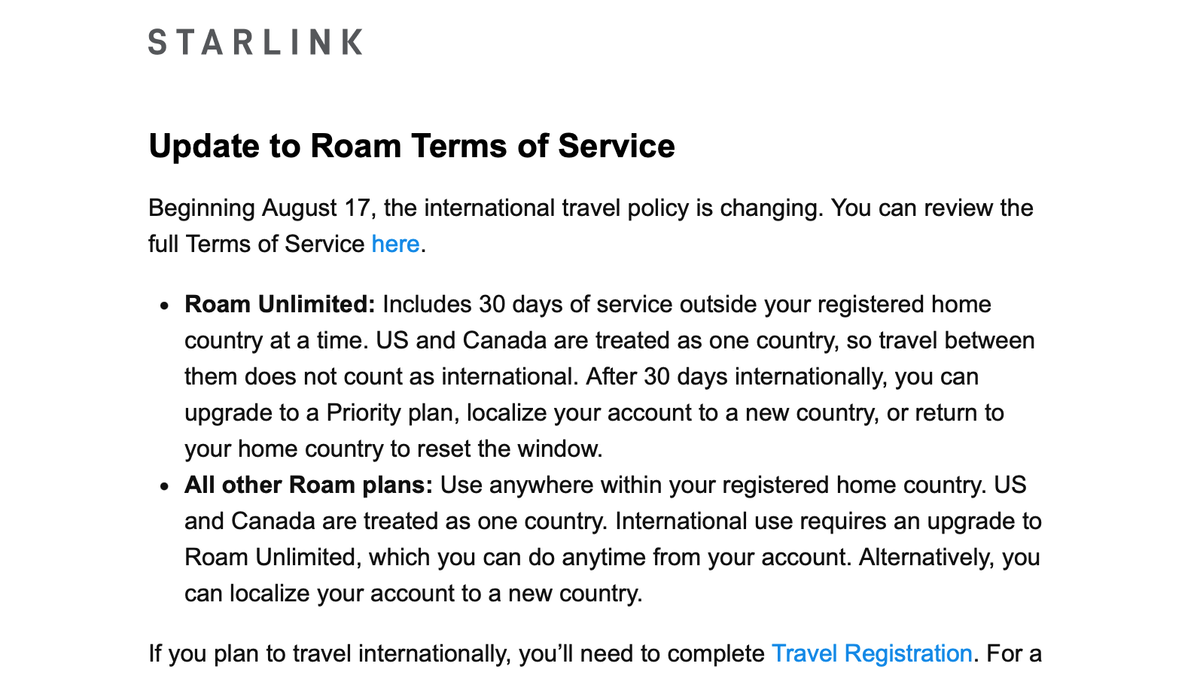
A lot of changes have happened in 2026, and the article below tries to summarize everything current to early July 2026.
 Steve Mitchell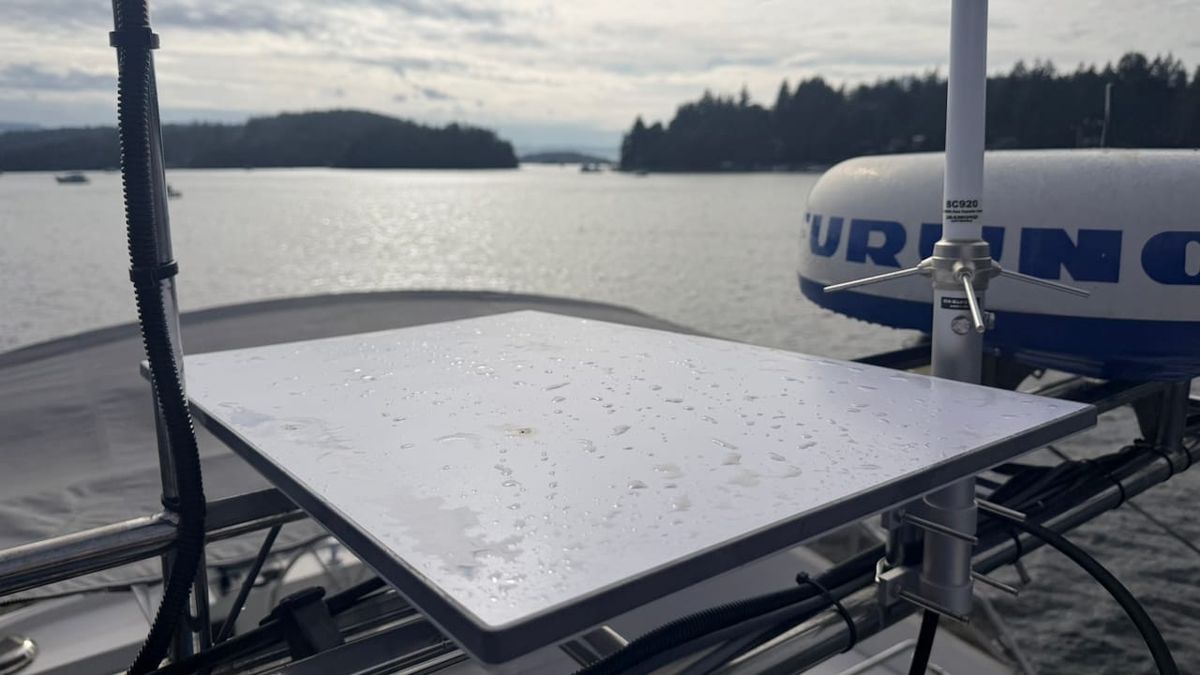
An update on the best marine-grade dish after 9+ months of continuous use.
 Steve Mitchell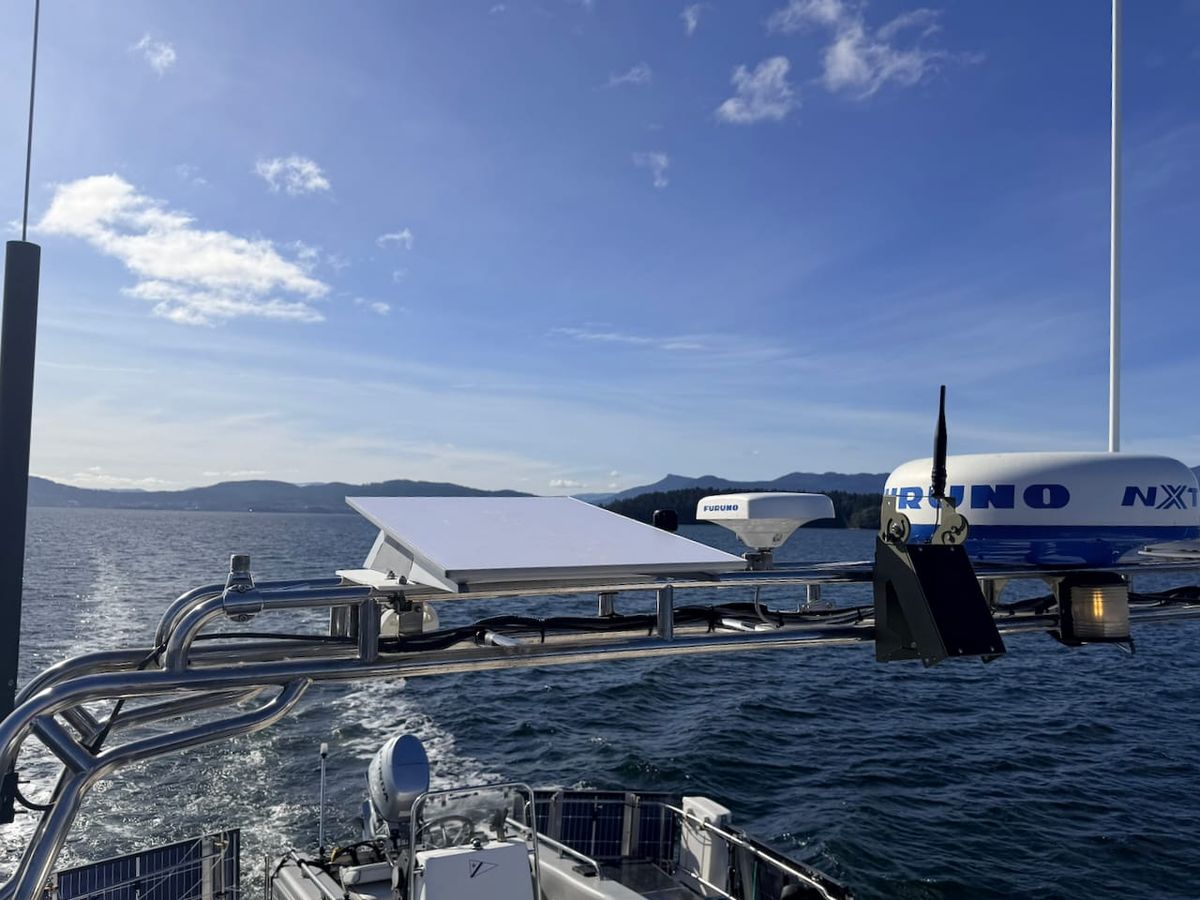
Detailed testing showing the power usage of the Starlink Performance Gen3 Dish.
 Steve Mitchell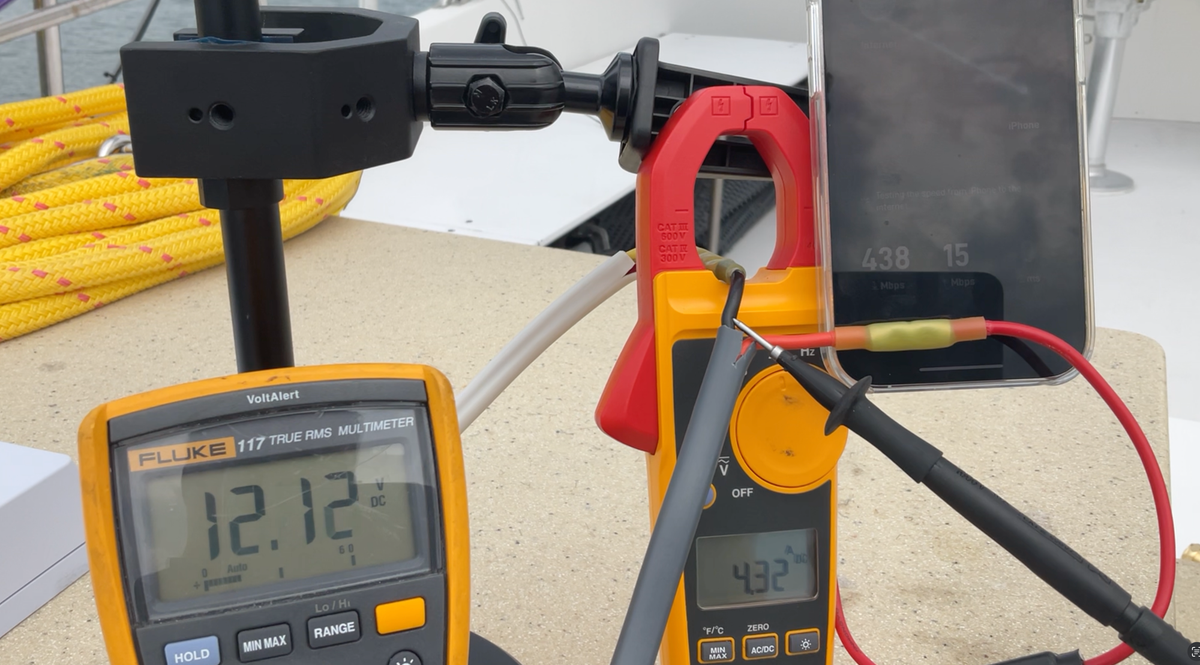
Unboxing of the best marine-grade Starlink dish yet.
 Steve Mitchell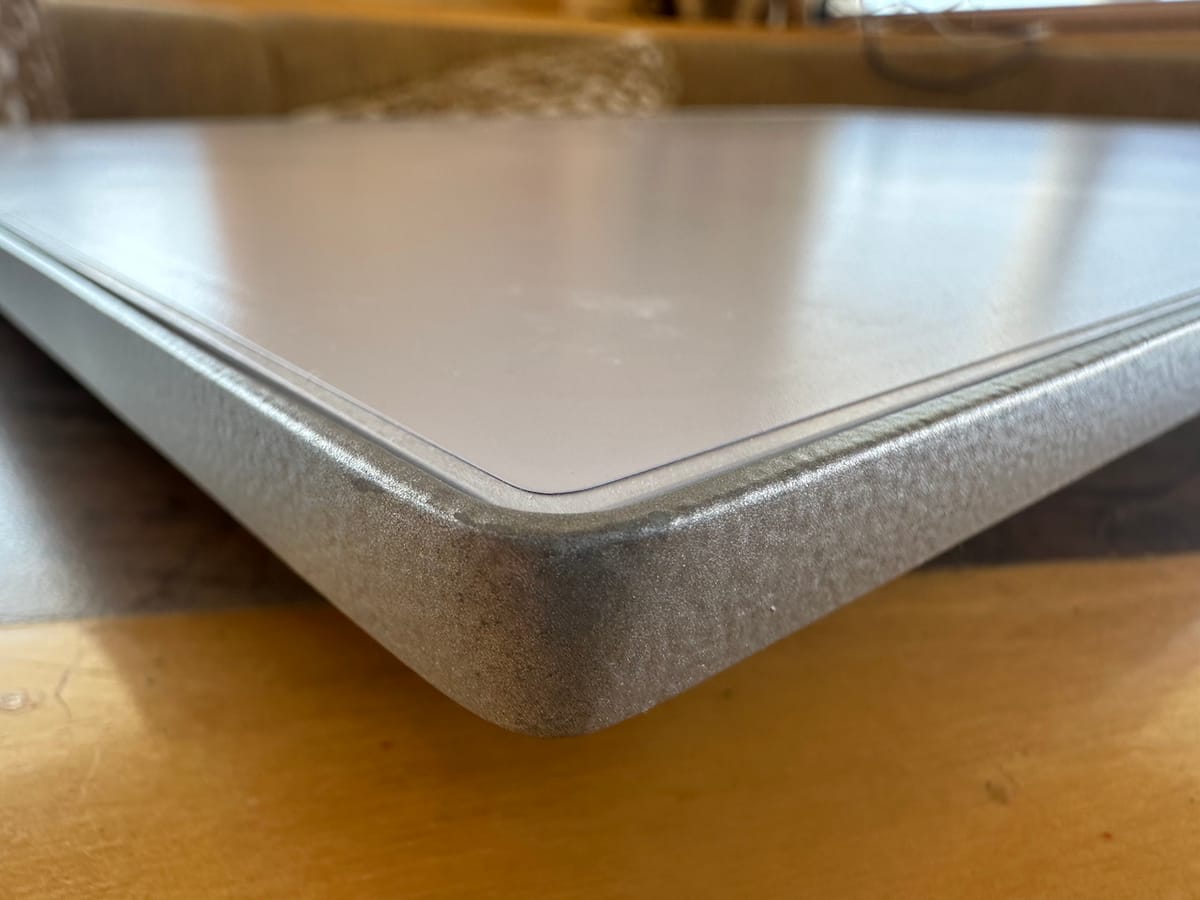
Using Starlink alone is good, but combining it with cellular or remote WiFi is even better. I go through my settings and configuration with a Peplink router for a high quality remote work setup.
 Steve Mitchell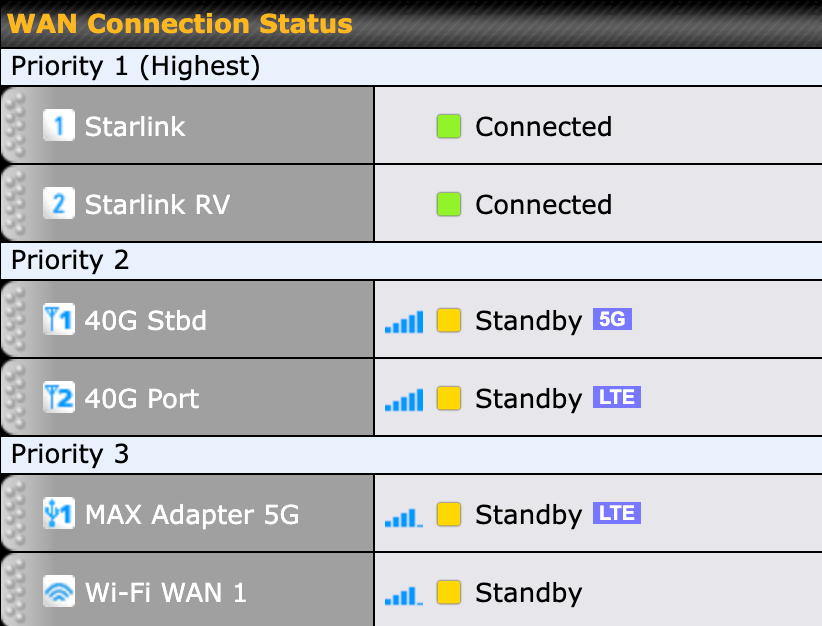
Other Resources
There are a number of other resources that can be helpful in researching Starlink. The two I recommend are below:
 Dan Heming
Mobile Internet Resource Center
The folks over at the Mobile Internet Resource Center have been friends for a long time, and have some of the best coverage of cellular and satellite connectivity for RVs and Boats that you can find online. They have a comprehensive guide, linked above, that can be helpful when researching Starlink options.
 Colby Baber
DISHYtech
Colby has been covering Starlink since around 2021, about the same time I started beta testing. He has a wealth of info on the various hardware, 3rd party kits, and much more. If you're looking for a deep dive into Starlink hardware, this is a great resource.
Historical Articles
These are older articles which may not be as useful to current Starlink capabilities, but are still interesting to see how things developed.
The dish below is no longer sold, although many larger boats have it deployed and are still using it today. It was the first "approved" in-motion dish that could be used on the water.
Steve Mitchell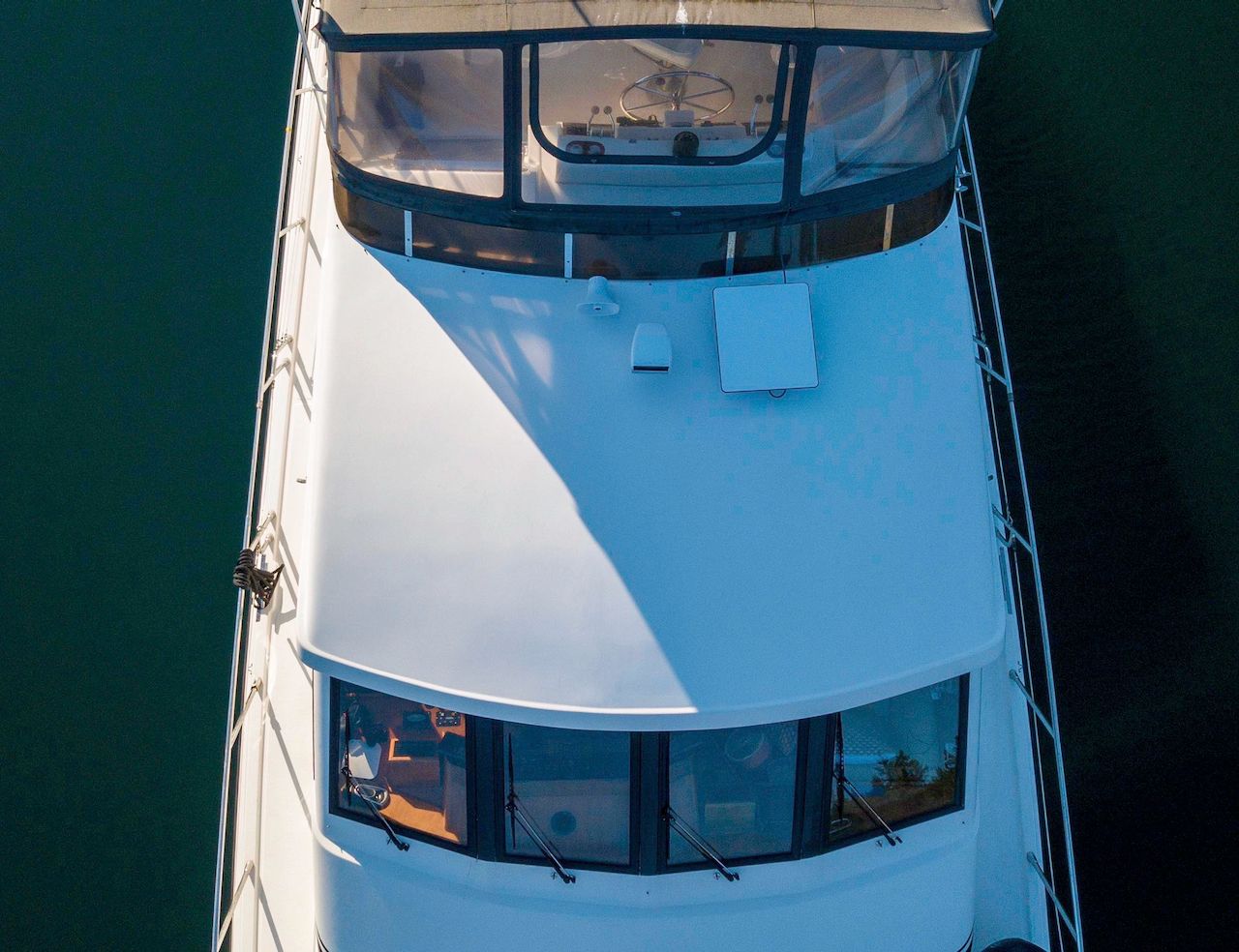 Steve Mitchell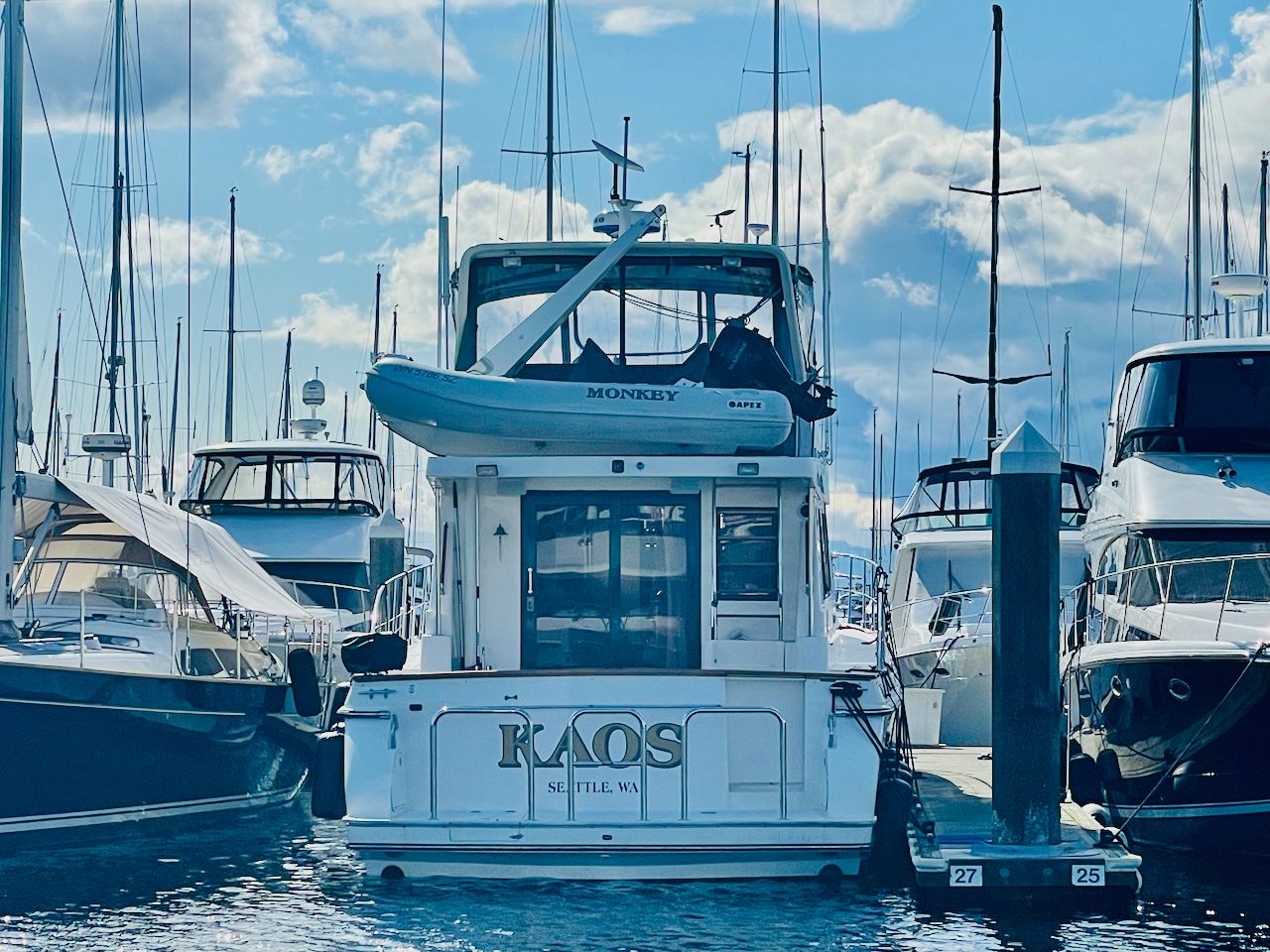
Below is an article from 2021 on using the original round dish in a marina and aboard before roaming (portability) was available, and with some limitations.
Steve Mitchell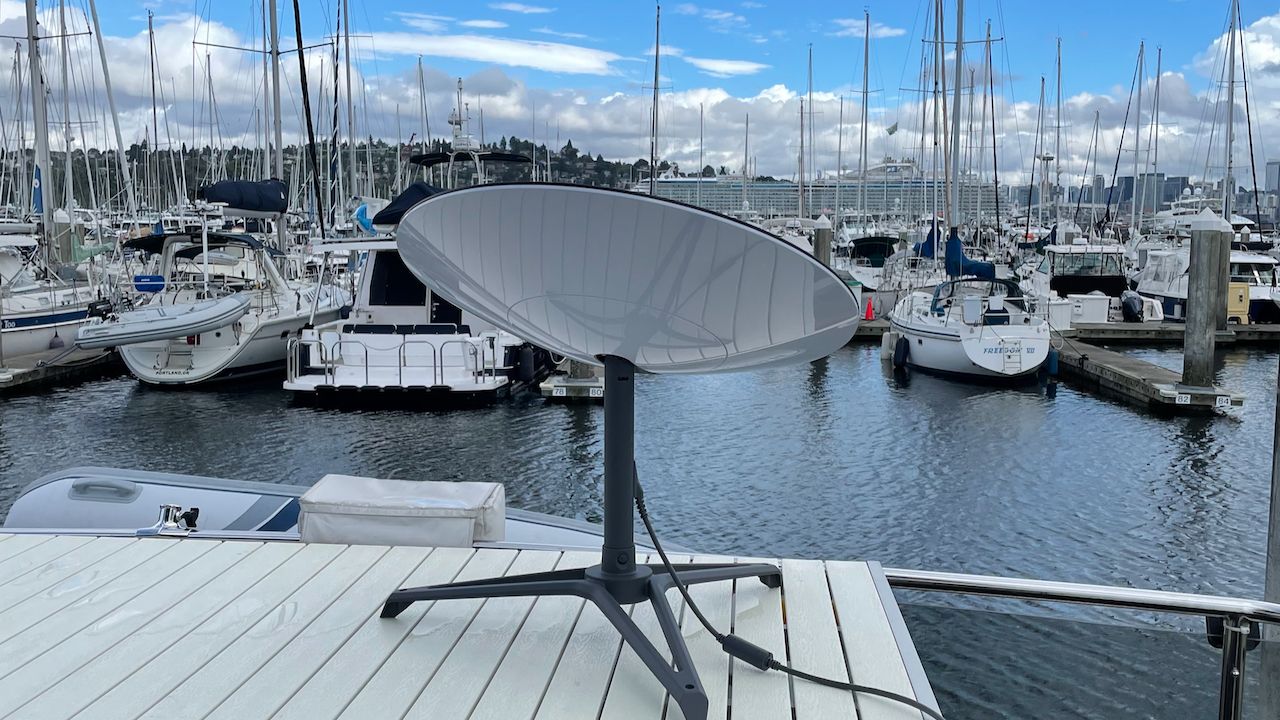
In February 2021 I started testing Starlink for the first time in a marina and on the boat and found a lot of things to be lacking. Much of this has changed, but here is how it looked then....
Steve Mitchell